
FieldEdge alternative
For an established service business, changing software can affect more than dispatch. The office may depend on a specific accounting connection, a familiar month-end process, service agreements, and records used by several people.
Plans from $89 USD per month. Unlimited technicians on every plan. No contract required.
Job scheduling
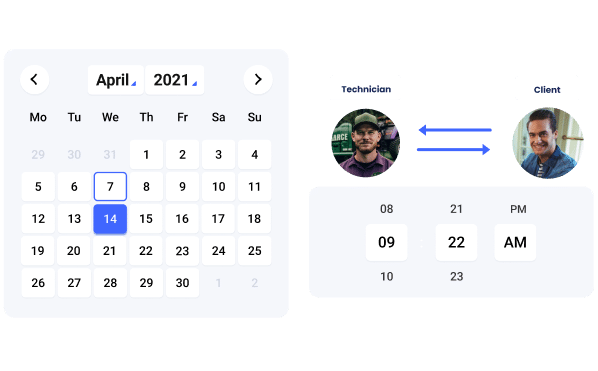
Book future jobs and send automated reminders to reduce no-shows.
If you are researching a FieldEdge alternative, start with those dependencies. Uleadz can be evaluated for your field operation, but any requirement central to your accounting or service business must be checked before you switch.
Find the process that must keep working
Ask the person responsible for accounting to identify the system of record and the transactions that must reach it. List the steps they use to reconcile completed work, invoices, payments, and adjustments. Include exceptions rather than documenting only the easiest transaction.
Then ask which parts of that process depend on FieldEdge. This distinguishes a preference for a familiar screen from a requirement that would genuinely prevent your team from closing the books.
Treat the accounting connection as its own evaluation
Those sources are reasons to investigate the accounting dependency carefully. They do not establish an equivalent connection in Uleadz. Ask for confirmation of your specific accounting product, version, data flow, setup requirements, and exception handling before making integration part of a Uleadz purchasing decision.
Use an invoice to test the boundary
Bring a fictional completed job and the invoice details your office expects. Establish what the field team enters, what the office reviews, and what information accounting needs next. Have your accounting representative identify every step that would need confirmation.
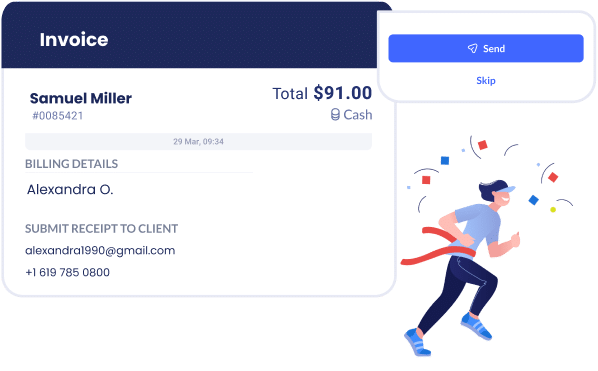
Uleadz documents creating branded invoices and sending them by email, SMS, or download. That is a customer-document capability to review; it is not evidence of a particular accounting synchronization. Review Uleadz invoicing.
Keep the customer invoice, payment workflow, and accounting transfer as separate evaluation items. Combining them into a single checkbox labeled “billing” can obscure the requirement that matters most to your office.
Check field access and service-agreement needs
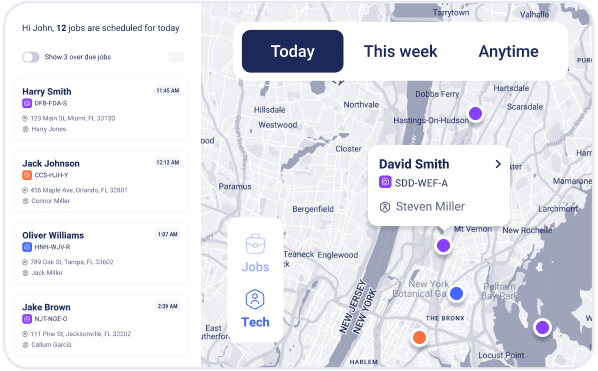
For Uleadz, the published mobile-app description includes personal schedules, call histories, timesheets, and reviewing daily work. Ask technicians to test the tasks relevant to their role on the devices your company uses. Explore the Uleadz mobile app.
If recurring agreements, renewal handling, inventory, customer portals, or advanced quoting are critical, require specific evidence for each. Do not infer them from the presence of job scheduling or a mobile app.
Plan the transition around reconciliation
Agree on how open work, customer balances, and historical records would be handled before changing the live system. Identify who will verify the transfer and how differences will be resolved. Ask whether a sample transfer can be reviewed under an agreed scope.
Keep access to the records your business needs during the transition. Make scope and verification explicit parts of the plan, including the records that will remain in a separate archive.
What should I bring to a Uleadz evaluation?
Bring a typical completed job, invoice requirements, a list of accounting dependencies, and any service-agreement or reporting needs. Use fictional or appropriately sanitized records for the discussion.
Plans and pricing
Every plan lists unlimited technicians, and no contract is required. Annual billing is also available. Plans differ in office users, SMS, calling minutes and phone lines.
Review your operation with Uleadz. Start with the field workflow, then identify the accounting and agreement requirements that must be resolved before any switch. Request a consultation.
Sources and comparison date
Product information reviewed 2 November 2026: Uleadz invoicing, Uleadz mobile app, and the migration FAQ on Uleadz dispatching. Published by Uleadz. Accounting compatibility, migration scope, and commercial terms require confirmation.