
Irrigation businesses
A startup appointment, a controller repair and a winterization visit need different job details. When they share a busy calendar, the office needs to know what each visit involves before assigning it. Uleadz brings service jobs, appointments, technician communication, estimates and invoices into a field service workflow.
Plans from $89 USD per month. Unlimited technicians on every plan. No contract required.
Consider Uleadz if your irrigation business needs to organize the work around each customer visit. Use the evaluation to establish whether those tools cover your operation or whether you also need specialist irrigation functions.
Make the service request useful to the technician
Start with a clear job description. A useful irrigation service record might include the service requested, property access instructions, the customer’s description of the problem and the person who can authorize additional work. These are suggested details for your process, rather than a preconfigured irrigation template.
Uleadz supports job notes, tags and custom job fields. Review how your office would record the details it normally sends through separate messages, then check how technicians receive and use that information.
Separate seasonal appointments from repair calls
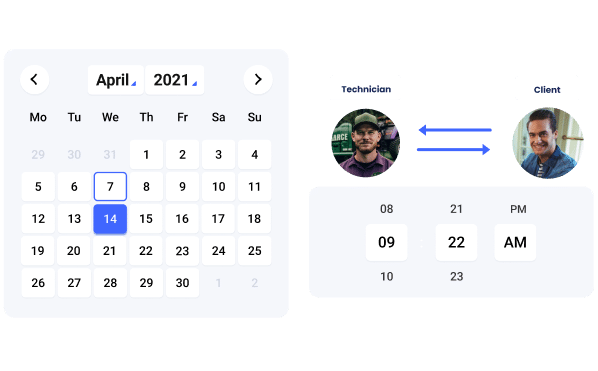
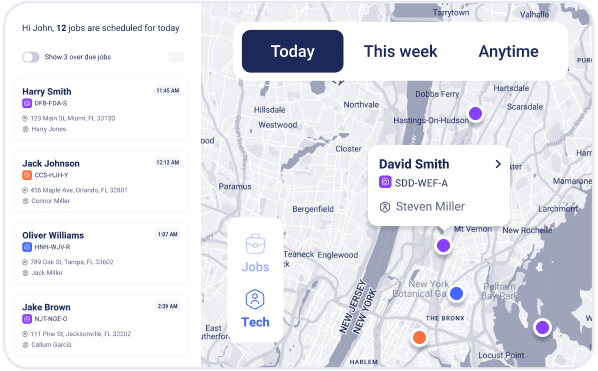
Seasonal visits can compete with unscheduled repairs for the same technicians. Uleadz supports appointments for future dates and times, reminders and dispatch communication. Walk through a scheduled winterization and a new repair request to see how your dispatcher would assign the work and follow its status.
Appointment scheduling does not establish that a system supports mass seasonal booking, recurring contract renewals or optimized routes. If those functions determine how your season runs, make them explicit requirements before choosing software.
Connect the visit to an estimate and invoice
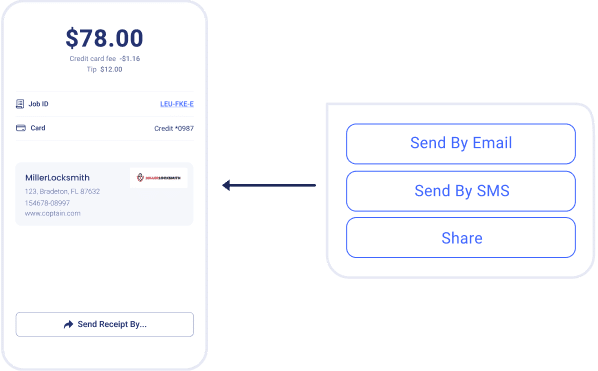
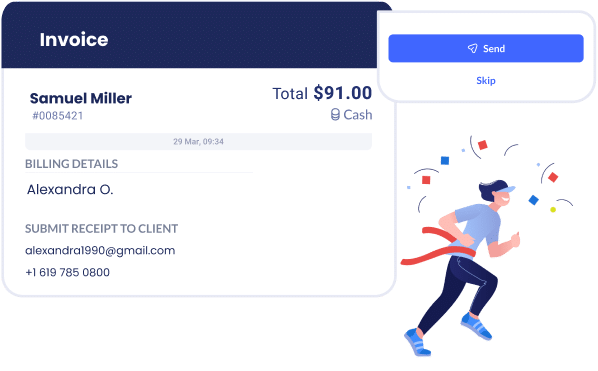
A customer who booked an inspection may need to approve a repair separately. Uleadz can create and send estimates, including electronic signatures, and produce branded invoices. Demonstrate how the proposed work would be explained, approved and billed without assuming an irrigation parts catalog or automated repair pricing.
Use a realistic irrigation demo
- Prepare one seasonal appointment and one repair request with fictional customer details.
- Include an access restriction and a question the technician must resolve on site.
- Ask the office and technician to follow the assignment, estimate and invoice steps.
- Identify any controller connection, design, backflow reporting or other specialist requirement that needs a separate answer.
For background on the underlying tools, review Uleadz job scheduling and custom job fields.
Frequently asked questions
Can I plan seasonal irrigation visits ahead of time?
Yes. You can schedule jobs for future dates and times, with automated reminders.
Can technicians confirm a job from the field?
Yes. Jobs are sent by SMS, email, call or push notification, and technicians can confirm receipt.
How long does setup take?
Setup typically takes from a few hours to a few days, depending on your needs and on data migration.
Plans and pricing
Every plan lists unlimited technicians, and no contract is required. Annual billing is also available. Plans differ in office users, SMS, calling minutes and phone lines.
Discuss your irrigation service workflow
Bring your seasonal workload and a typical repair visit to a Uleadz workflow discussion. Ask the team to demonstrate the steps your office and technicians need before making a decision.
Sources and product information
Official product information reviewed November 3, 2026. Features, availability and terms may change.